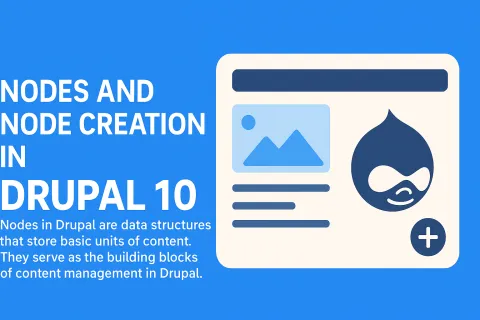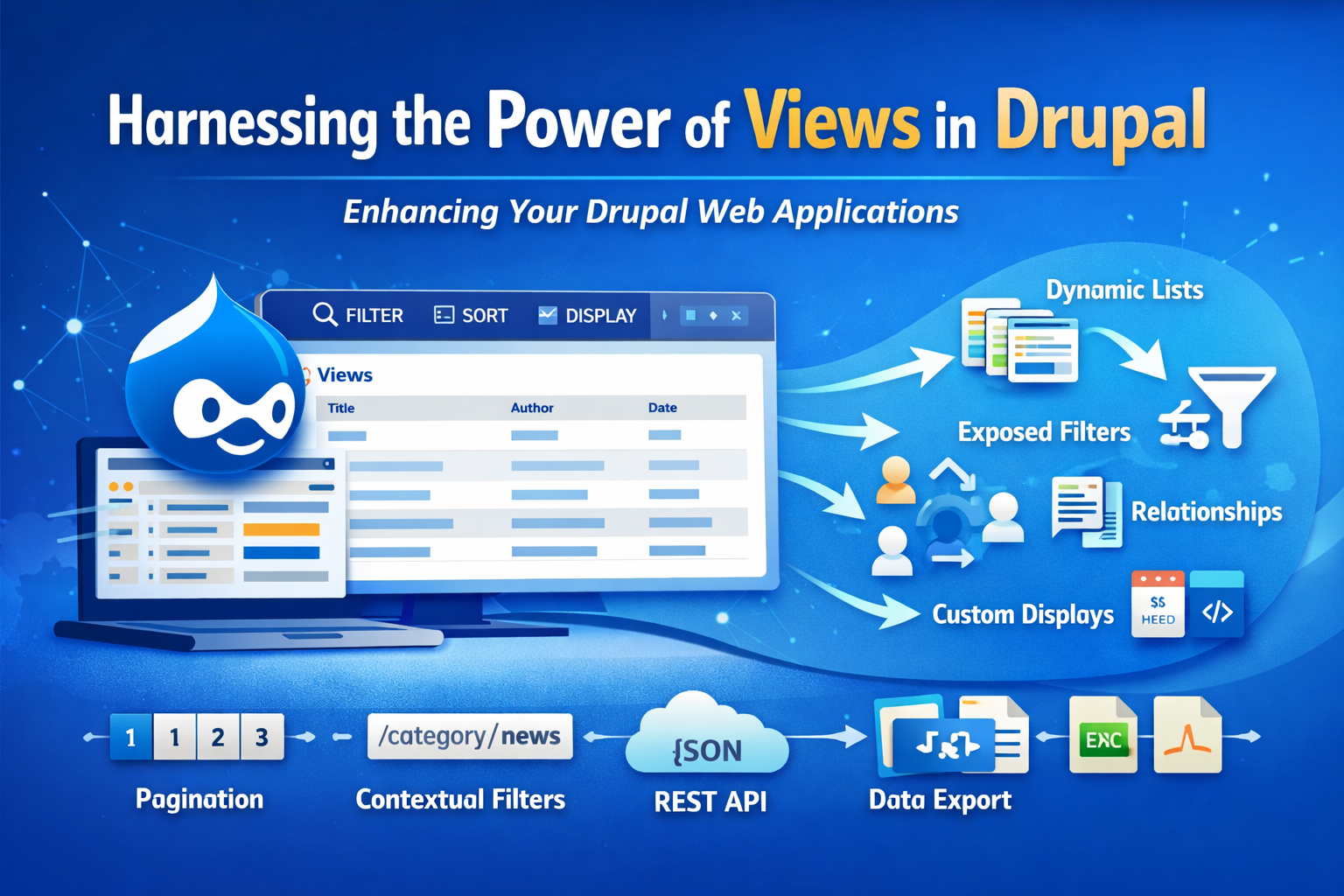
A node in Drupal represents a piece of content such as an article, page, blog post, event, or custom content type.
It is a fundamental building block of Drupal's content management system. Each node is stored as an entity and
associated with various fields and metadata.
### What is a Node in Drupal?
In Drupal, all content pieces are treated as nodes. For example:
- Article
- Basic Page
- Blog Entry
- Event Listing
Each node has:
- A Title
- A Body
- Fields (custom or predefined)
- Metadata like Author, Status, Revision, etc.
### Node Creation in Drupal 10
Creating a node in Drupal 10 can be done through:
1. The User Interface (Manually)
2. Programmatically via Code
3. Migration scripts or API
---
## 1. Creating a Node Using the UI
Steps:
- Go to Content > Add Content
- Select a Content Type (e.g., Article)
- Enter Title and Body
- Configure fields, images, tags, etc.
- Save
---
## 2. Creating a Node Programmatically
Example module snippet:
(Drupal 10 PHP code example)
use Drupal\node\Entity\Node;
$node = Node::create([
'type' => 'article',
'title' => 'Sample Programmatic Node',
'body' => [
'value' => 'This is a programmatically created node.',
'format' => 'basic_html',
],
]);
$node->save();
---
## 3. Node Editing and Field Attachment
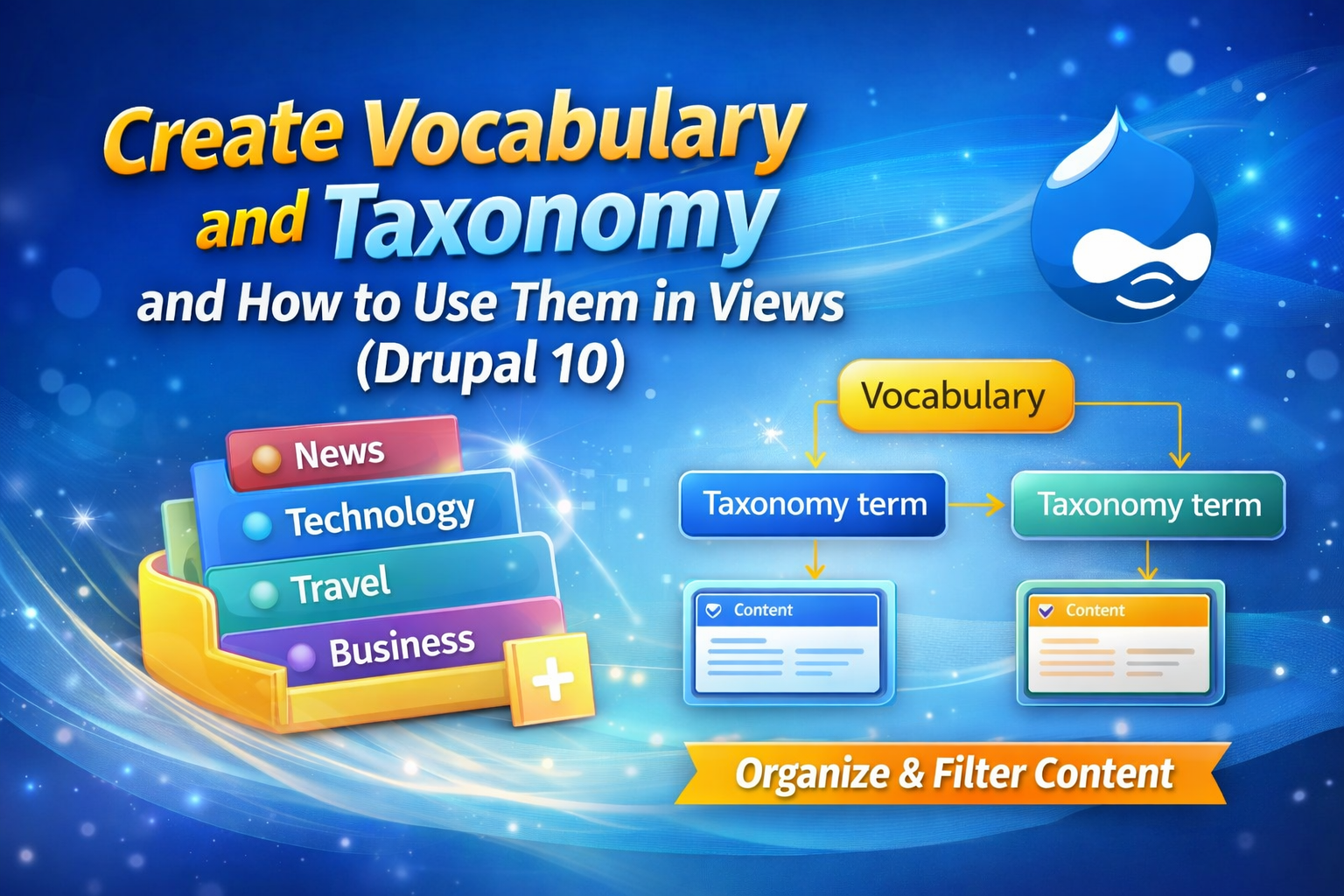
Nodes can be edited through UI or code. Fields such as images, attachments, categories, and taxonomy can be added.
Example adding taxonomy term:
$node->set('field_tags', [1, 2]);
$node->save();
---
## 4. Managing Node Display
Drupal allows switching between:
- Default View Mode
- Full Content View
- Teasers
---
## 5. Node Publishing Workflow
Nodes can:
- Be published
- Unpublished
- Archived
- Version controlled with revisions
These options help organizations manage content approval systems.
---
## 6. Node Permissions
Drupal controls who can:
- Create nodes
- Edit own nodes
- Edit others' nodes
- Delete nodes
---
## Conclusion
Node handling is a key component in Drupal 10. Whether creating simple static pages or complex data-driven portals,
understanding nodes, fields, and entities is crucial for leveraging Drupal as a professional CMS.